Let’s be honest, Chipotle hits different. That warm burrito bowl, the perfectly seasoned rice, the dollop of guac you paid extra for… It’s comfort food that feels almost healthy. But if you’re tracking calories, watching your sodium, or just trying to make smarter choices, one question keeps coming up:
Where do I actually find Chipotle’s nutritional information?
The good news? Chipotle is surprisingly transparent about what’s in its food. You just need to know where to look. Whether you’re counting macros, managing a health condition, or simply curious, this guide walks you through every way to find accurate Chipotle nutrition facts step by step.
Why Chipotle Nutrition Info Matters More Than You Think
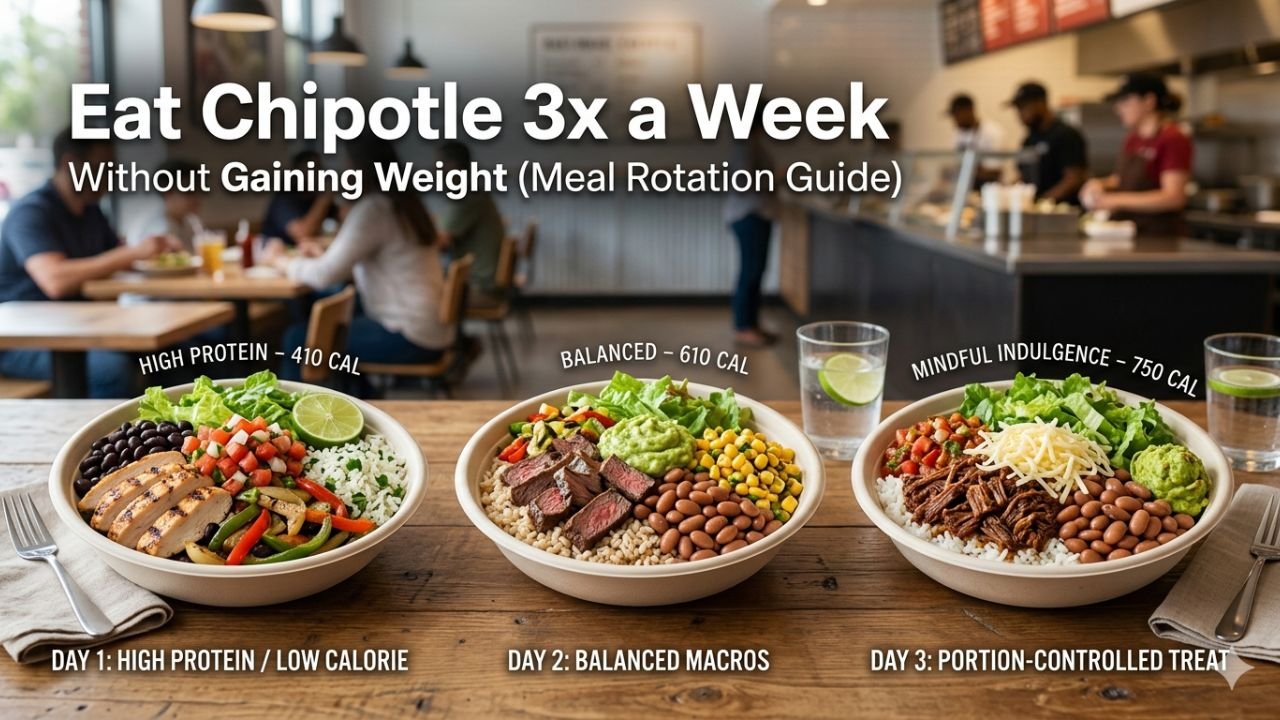
Here’s the thing about Chipotle: it’s customizable. And that’s exactly what makes nutrition tracking tricky. A simple burrito bowl can range from 650 calories to well over 1,200 calories, depending on what you add. Throw in a tortilla, double the guac, and a large drink, and you might blow your entire daily calorie goal in one sitting without even realizing it.
Knowing the numbers doesn’t mean you have to order boring food. It just means you’re in control. And control feels good.
1: The Chipotle Website (Most Accurate Option)
The most reliable place to get Chipotle nutrition data is straight from the source,e their official website.
Here’s how to use it:
- Go to chipotle.com
- Click on “Menu” from the top navigation
- Scroll to any menu item (like “Burrito Bowl” or “Tacos”)
- Click on the item to expand its details
- You’ll see full nutritional info, including calories, protein, fat, carbs, fiber, sodium, and more.
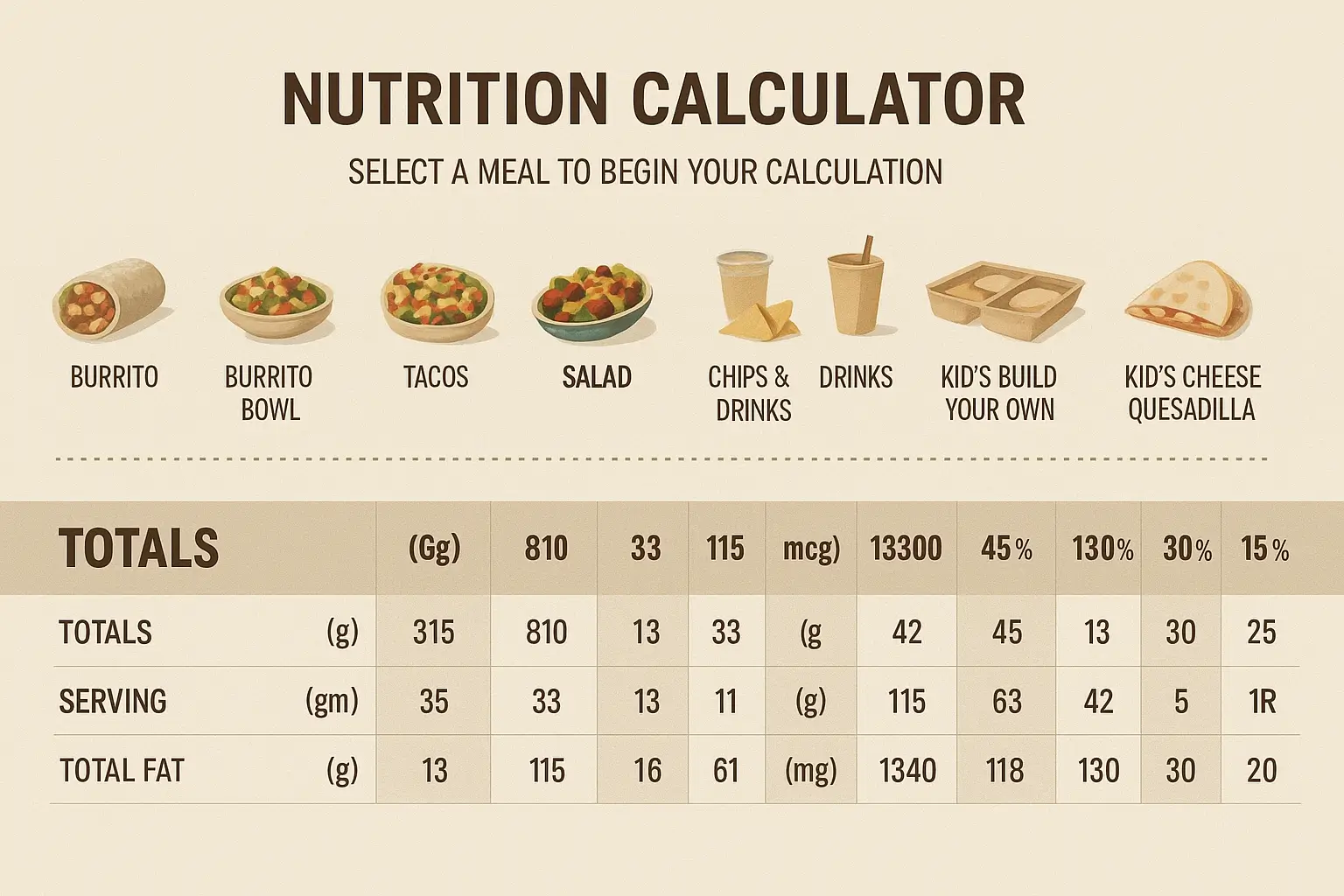
What makes this great is that Chipotle also has a Nutrition Calculator on its website. You can build your meal ingredient by ingredient and watch the numbers update in real time. Want to know what happens when you swap white rice for brown? Or skip the sour cream? The calculator shows you instantly.
This is honestly the best tool for anyone who meal-preps or follows a specific diet plan. It removes all the guesswork.
2: The Chipotle App
If you order through the Chipotle mobile app (available on iOS and Android), nutritional information is built right into the ordering experience.
As you build your bowl or burrito, the app shows you a running calorie count at the bottom of the screen. It updates every time you add or remove an ingredient. This makes it super easy to stay within your goals without doing any math in your head.
The app also saves your past orders, so if you built a “lighter” meal that you loved, you can reorder it with one tap and already know the calories before you even get to the restaurant.
Pro tip: Use the app’s nutrition panel before you order in-store. Build your meal at home, check the numbers, and then place your order. No surprises.
3: Ask In-Store (Yes, Really)
Chipotle is required by law (under FDA regulations for chain restaurants) to display calorie information on its menu boards. You’ll usually see calorie ranges listed next to each item.
But if you want the full breakdown of sodium, fat, protein, and fiber, you can ask any Chipotle employee for their nutrition guide. Most locations have printed materials available, and staff are generally happy to help.
This is especially useful if you’re managing a health condition like diabetes or hypertension and need to be specific about what you eat.
4: Third-Party Apps (Convenient for Trackers)
If you use a calorie-tracking app like MyFitnessPal, Cronometer, or Lose It!, Chipotle menu items are already in their databases. You can search by item name and log it quickly.
However, there’s an important caveat here: third-party databases aren’t always perfectly accurate. Portion sizes, seasonal ingredients, and regional variations can cause small discrepancies. For the most precise numbers, always cross-check with the official Chipotle website or app.
That said, for general daily tracking, these apps are fast and good enough for most people.
5: Google and Siri (Quick Reference)
Just typing “Chipotle burrito bowl calories” into Google pulls up a quick nutrition panel directly in the search results. You’ll see basic info like calories, carbs, protein, and fat without even clicking a link.
The same works with Siri or Google Assistant:
“Hey Siri, how many calories are in a Chipotle chicken bowl?”
You’ll get a quick answer in seconds. It’s not as detailed as the full calculator, but for a fast check on the go, it works great.
Practical Tips for Making Healthier Choices at Chipotle
Now that you know how to find the numbers, here are some real-world tips to keep your Chipotle order on track:
Lower-calorie swaps:
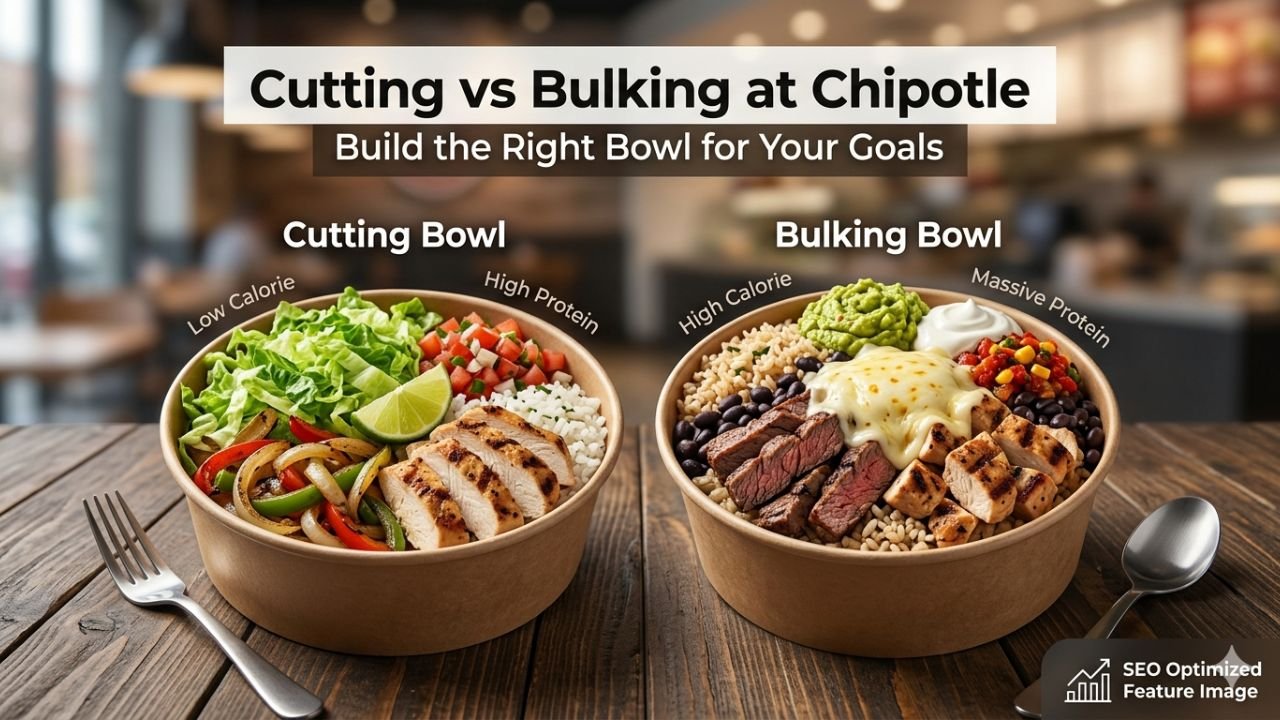
- Choose a bowl over a burrito; the tortilla alone adds around 320 calories
- Go with farro or brown rice instead of white rice
- Choose fresh tomato salsa over corn salsa to reduce sugar
- Skip the cheese, it adds ~110 calories without much nutritional benefit
- Get guacamole on the side so you can control how much you use
Higher protein options:
- Chicken has slightly fewer calories than steak, but similar protein content
- Barbacoa is a great high-protein, lower-fat option
- Sofritas (tofu) is a solid plant-based protein if you’re going vegetarian
Watch the hidden sodium: Chipotle’s food can be quite high in sodium, especially if you add chips, salsa, and a seasoned protein. If sodium is a concern for you, focus on fresh ingredients and go easy on the sauces and dressings.
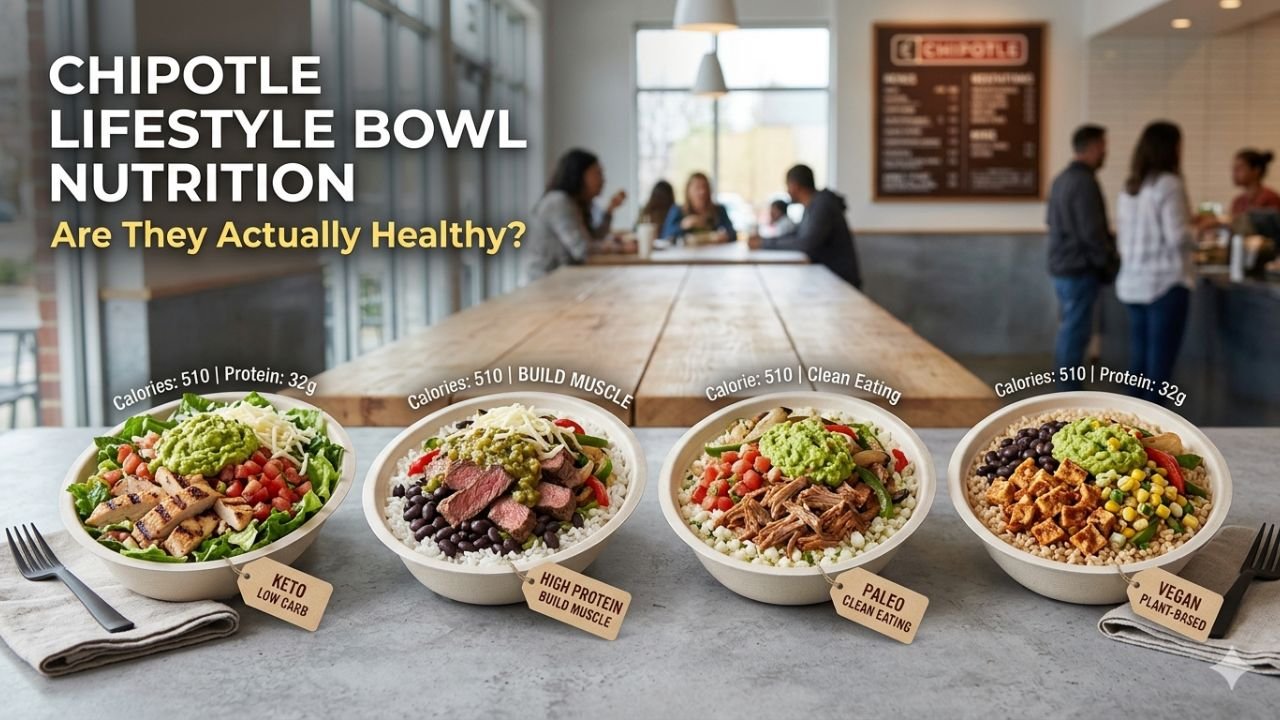
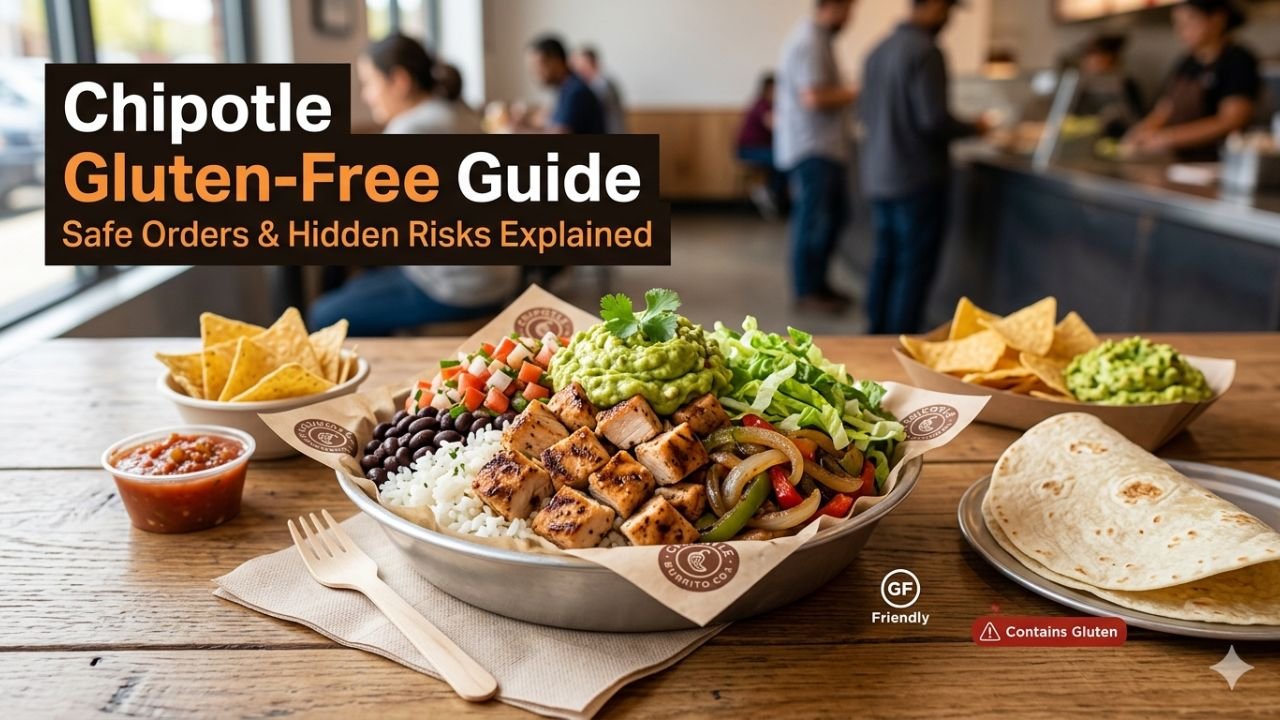
The “Lifestyle Bowl” option: Chipotle actually has pre-built meal options called Lifestyle Bowls,s like the Whole30 Bowl, Paleo Bowl, Keto Bowl, and High Protein Bowl. These are designed with specific dietary goals in mind and have their nutrition info clearly listed. If you don’t want to build your meal from scratch, these are a fantastic starting point.
Frequently Asked Questions
Does Chipotle post full allergen information too?
Yes! The Chipotle website has a dedicated allergen guide. You can filter by common allergens like gluten, dairy, soy, and nuts. This is really helpful if you have food sensitivities or are cooking for someone who does.
Are Chipotle’s online nutrition numbers accurate for every location?
They’re generally consistent because Chipotle uses standardized ingredients and portion sizes across all locations. That said, slight variations can happen depending on how staff portion your food. For medical dietary needs, always consult the printed nutrition guide and speak with a manager if needed.
How many calories are in a typical Chipotle burrito bowl?
A basic chicken burrito bowl with rice, black beans, fajita veggies, fresh salsa, and sour cream comes out to roughly 700–850 calories. Add cheese, guac, and chips and you can easily push it to 1,200+. Use the nutrition calculator to check your specific build.
Does Chipotle have low-calorie options?
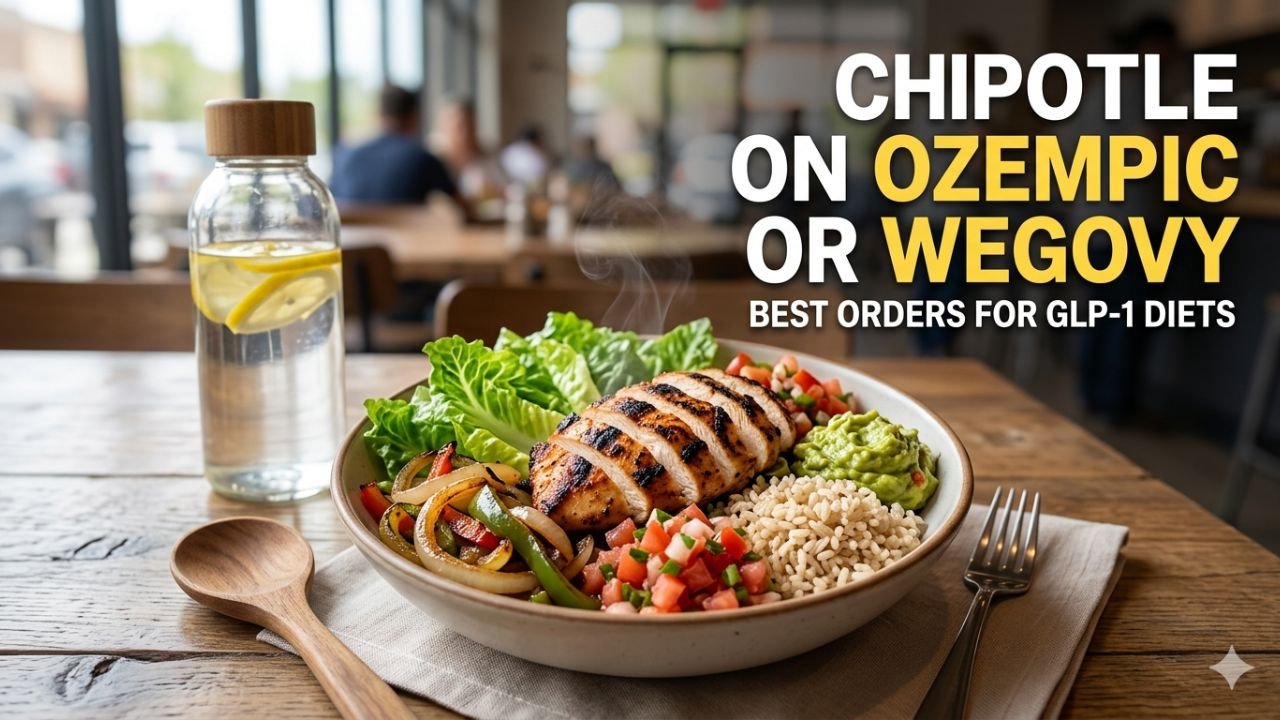
Yes! A salad bowl (no tortilla, no rice) with chicken, beans, fajita veggies, and fresh salsa can come in under 400 calories while still being filling and nutritious. Chipotle is actually pretty flexible if you know what to ask for.
Can I find Chipotle nutrition info for kids’ meals?
Yes kids’ quesadillas and smaller portions are listed in the nutrition calculator on the Chipotle website. Just build the kids’ item in the calculator to see the full breakdown.
Conclusion
Finding nutritional information for Chipotle is easier than most people think. Between their official website calculator, the mobile app, in-store resources, and nutrition tracking apps, you’ve got no shortage of options.
The key takeaway? You don’t have to guess. Chipotle gives you everything you need to make an informed decision; it’s just a matter of knowing where to look. Whether you’re eating clean, tracking macros, managing a health condition, or simply curious about what’s actually in your bowl, the tools are there for you.
So next time you’re in line staring at the menu, you’ll walk away not just with a delicious meal, but with the confidence that you know exactly what you’re eating.
Now go build that bowl.